Portraits
Add it as an editable layer, then adjust the crop and placement on your selected phone.
Made from your ideas
Start with the photo you care about. The 9case editor helps you crop, scale and place it around the camera area of your selected phone.
Upload a photo and start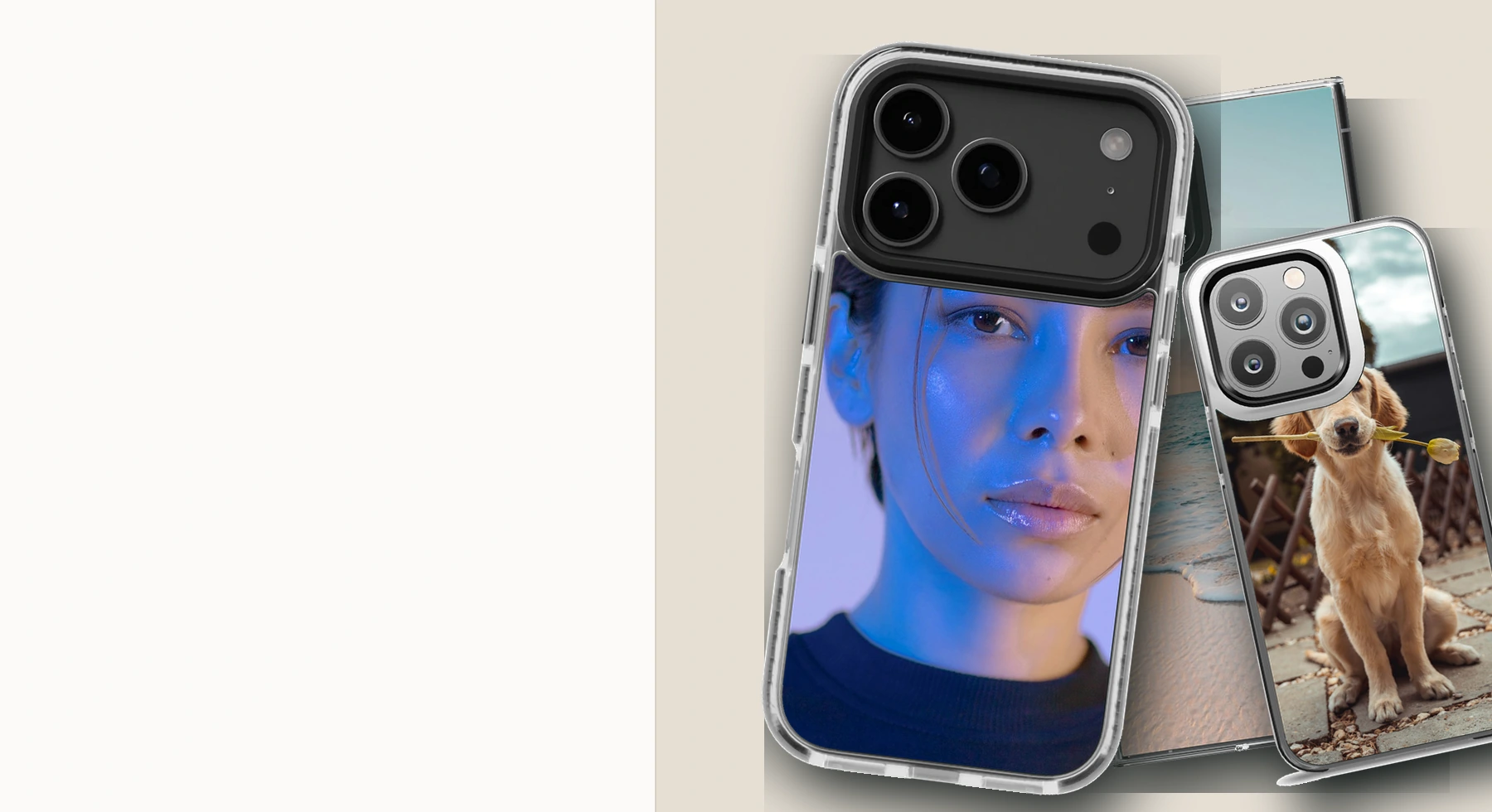
Ideas for your case
Add it as an editable layer, then adjust the crop and placement on your selected phone.
Add it as an editable layer, then adjust the crop and placement on your selected phone.
Add it as an editable layer, then adjust the crop and placement on your selected phone.
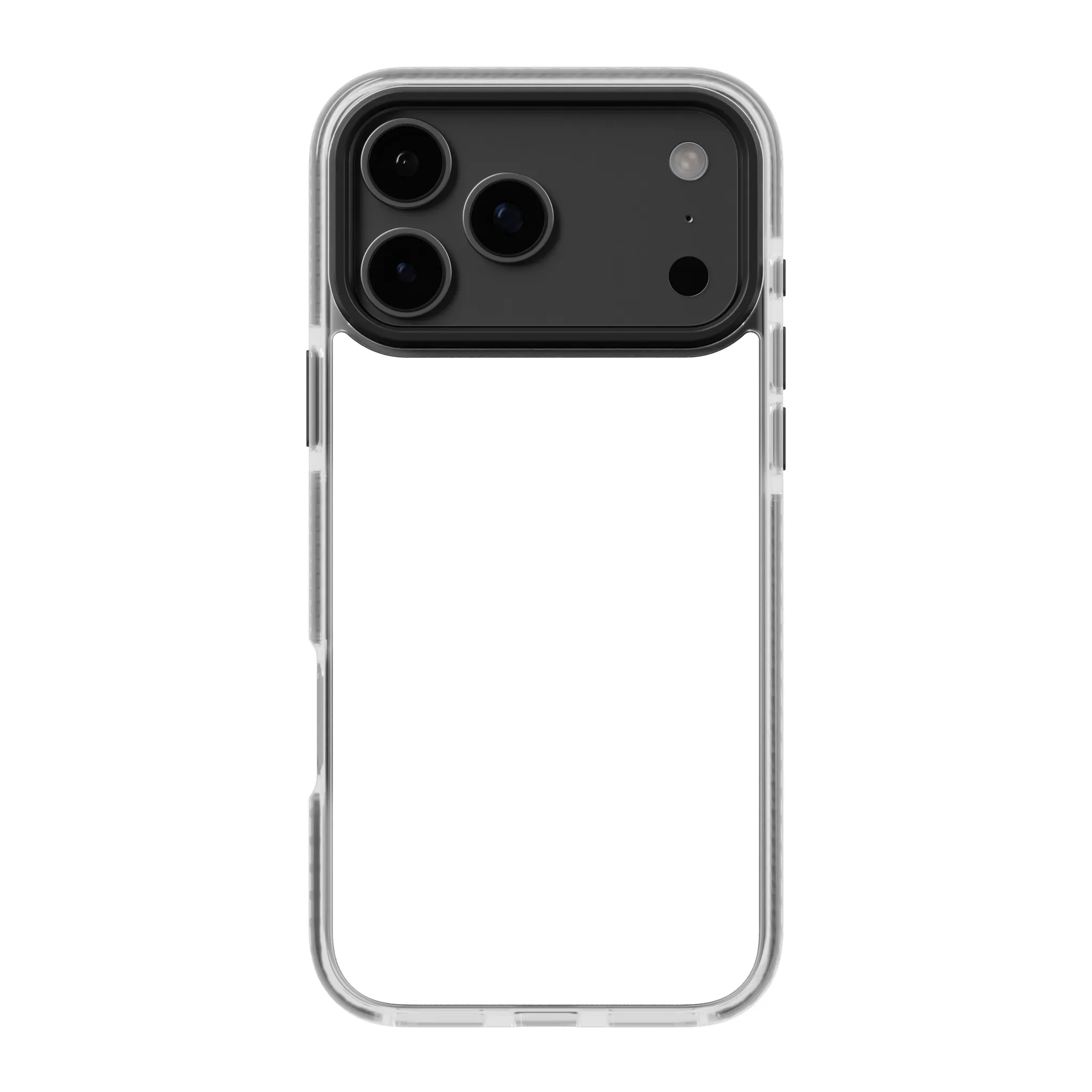
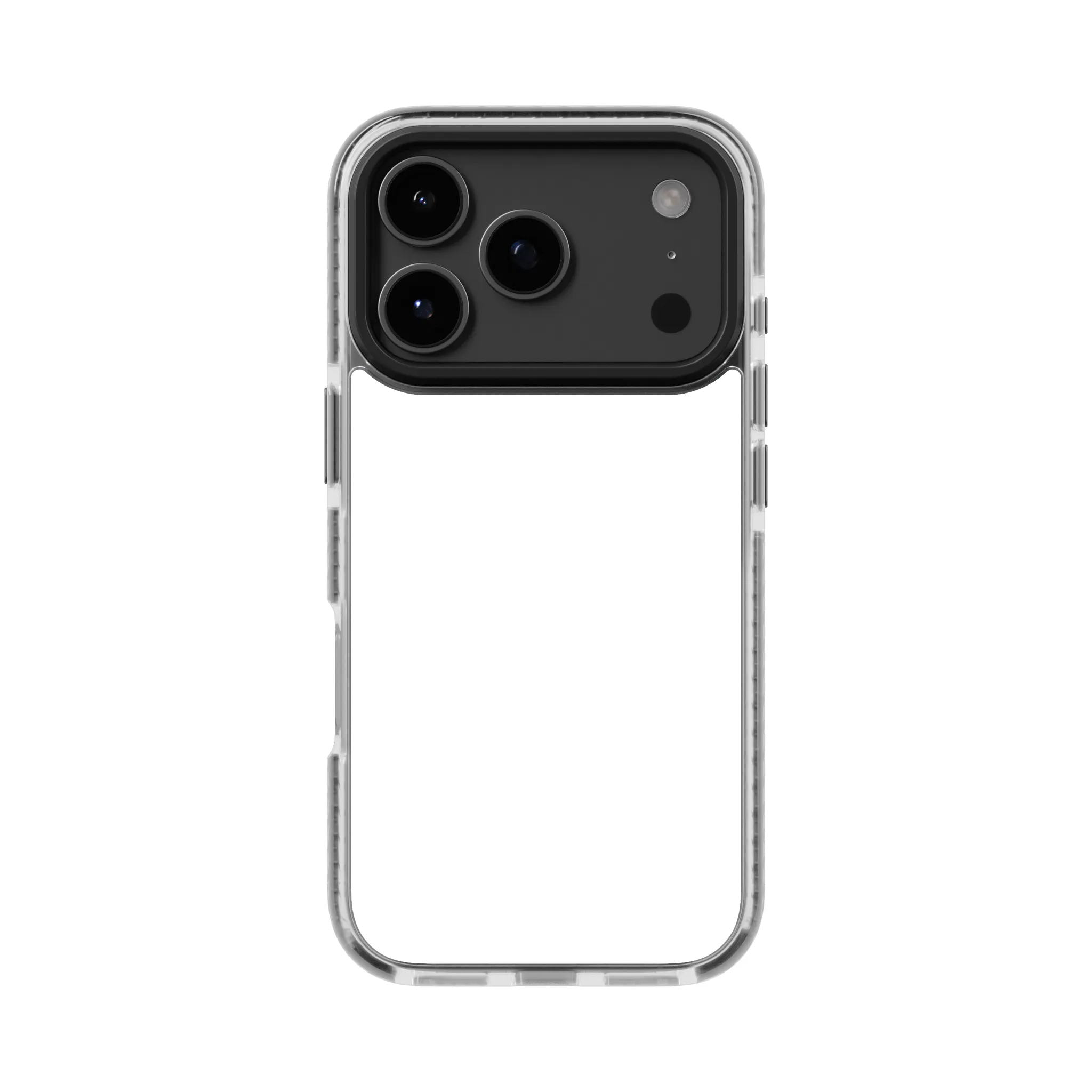
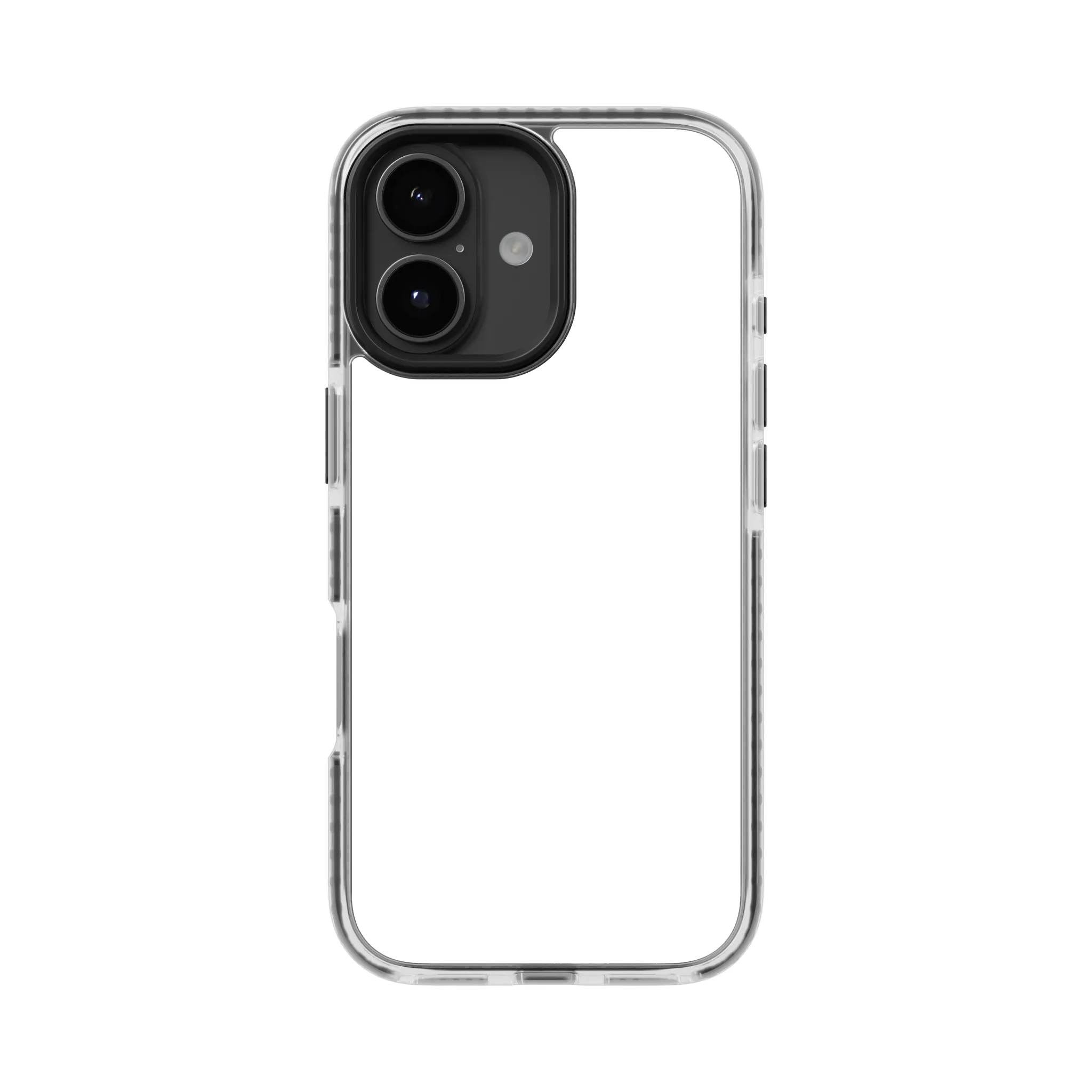
Start with the correct fit
Select your phone before designing so the camera opening and proportions match.
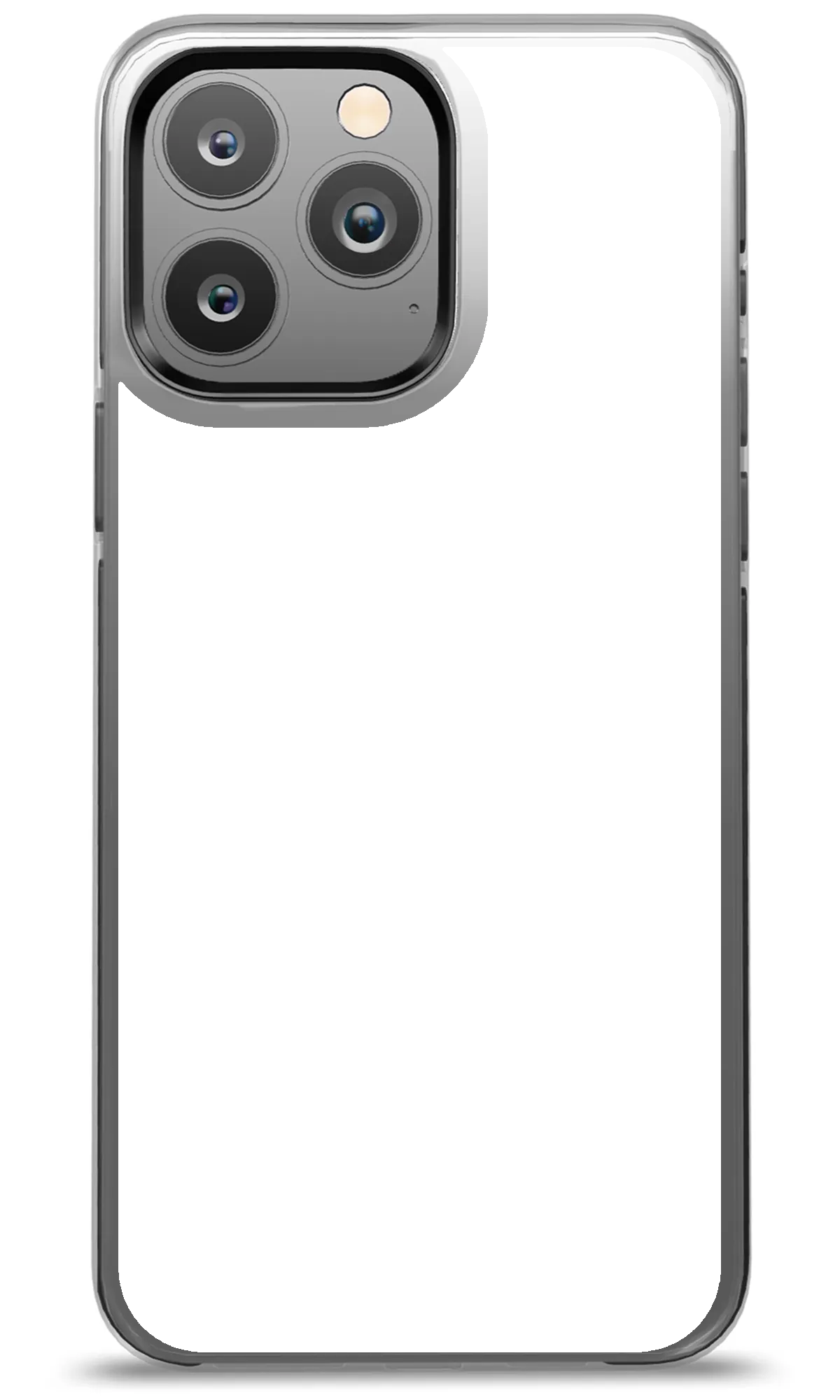
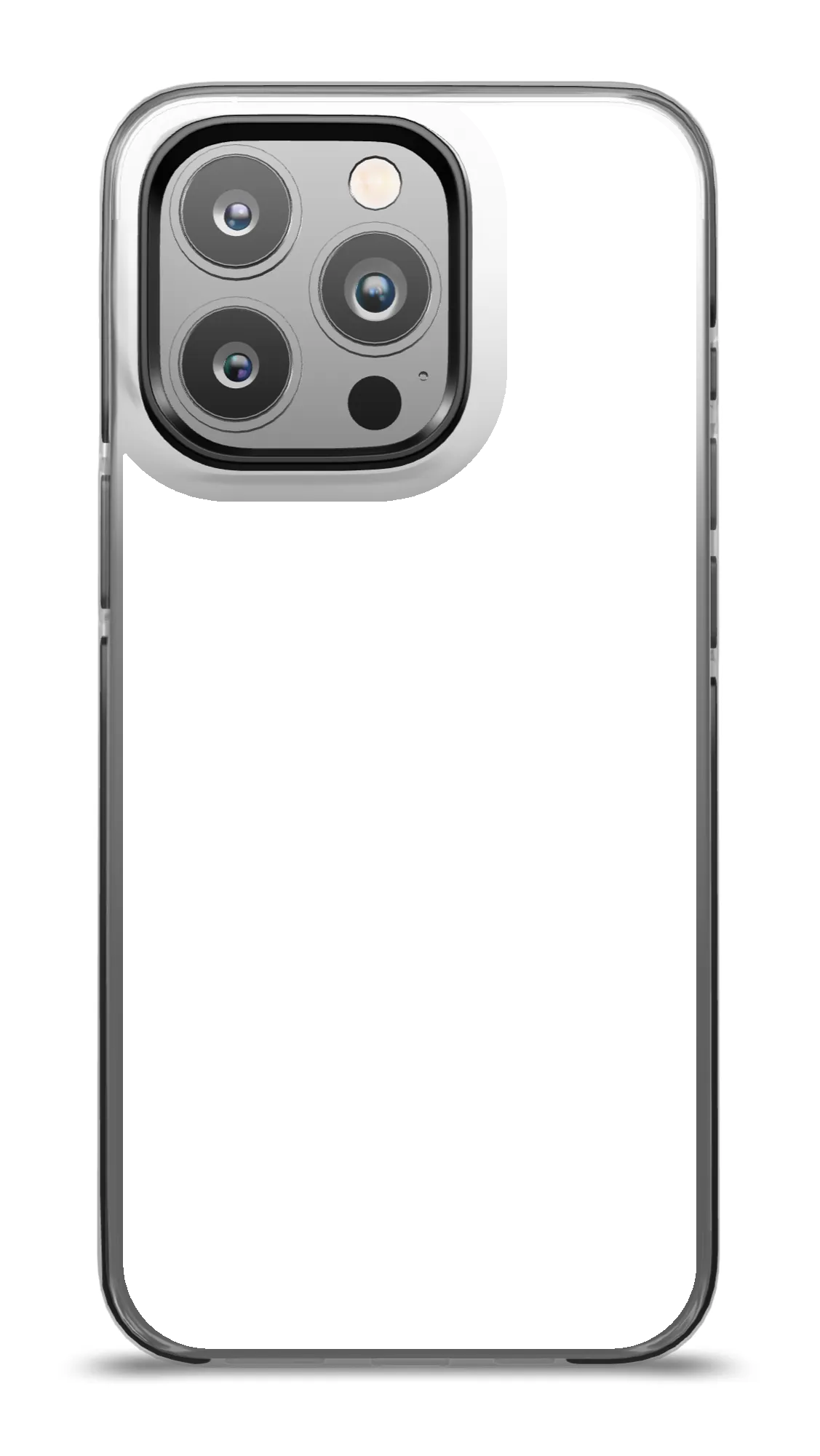
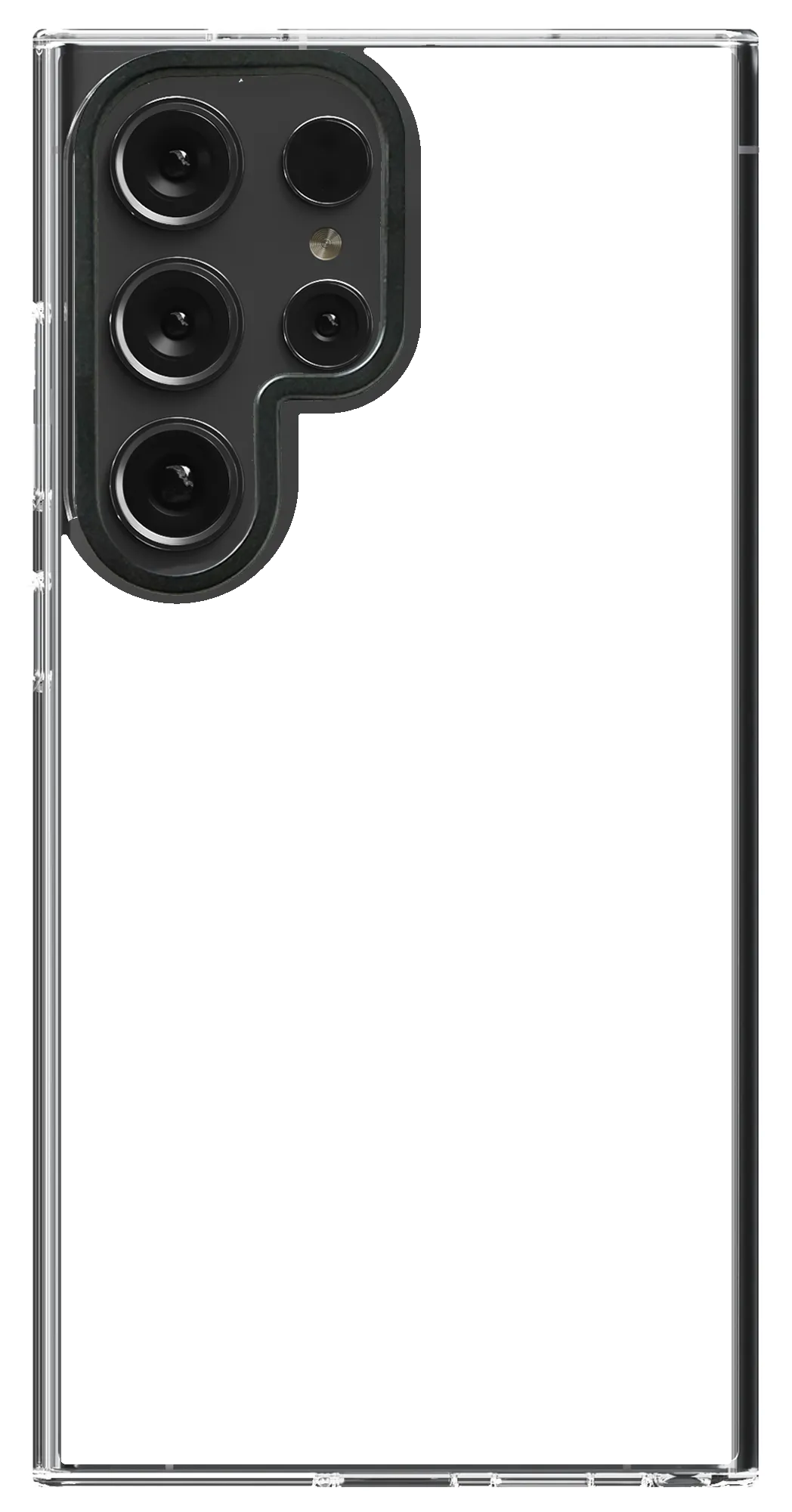
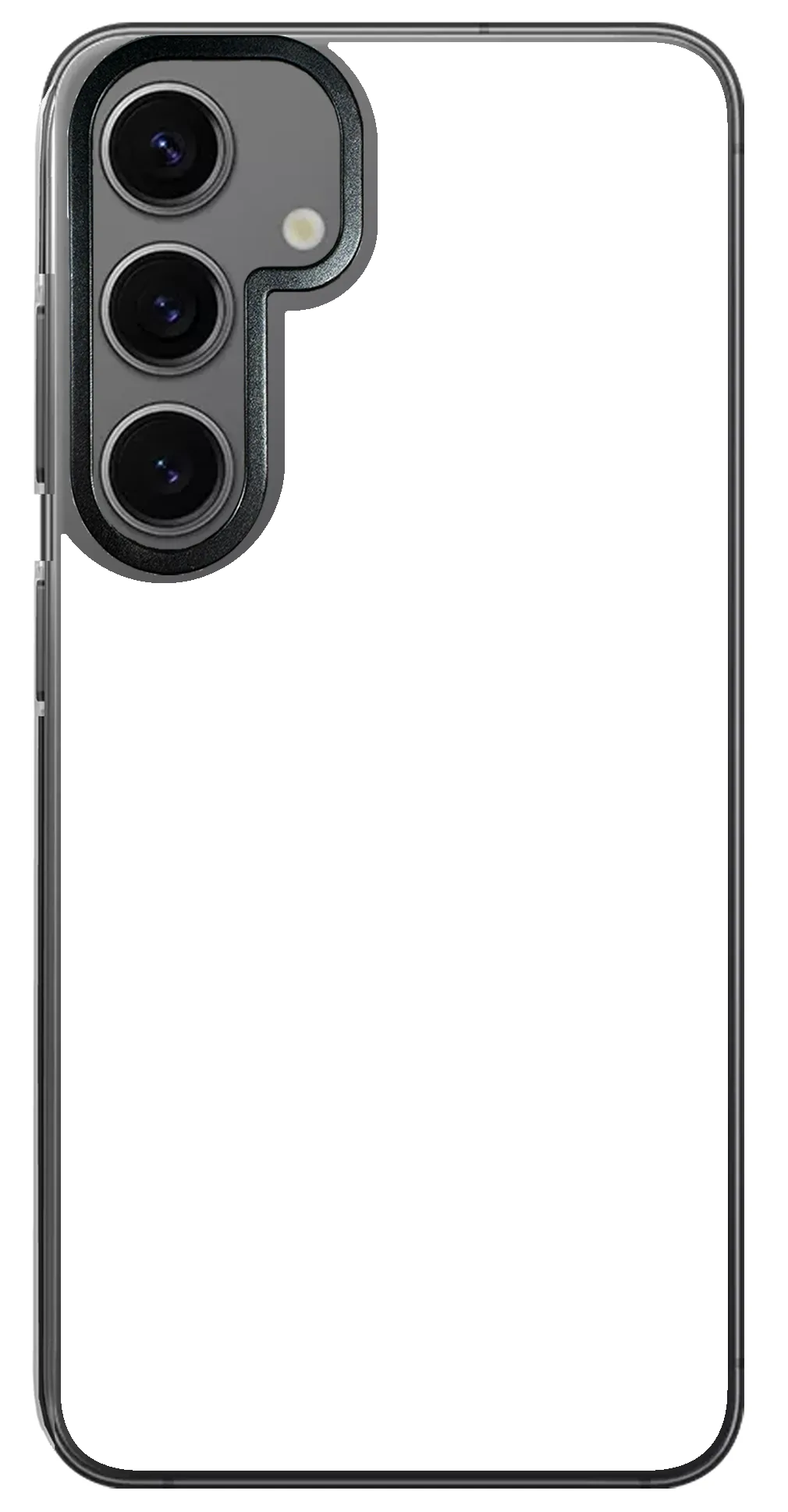
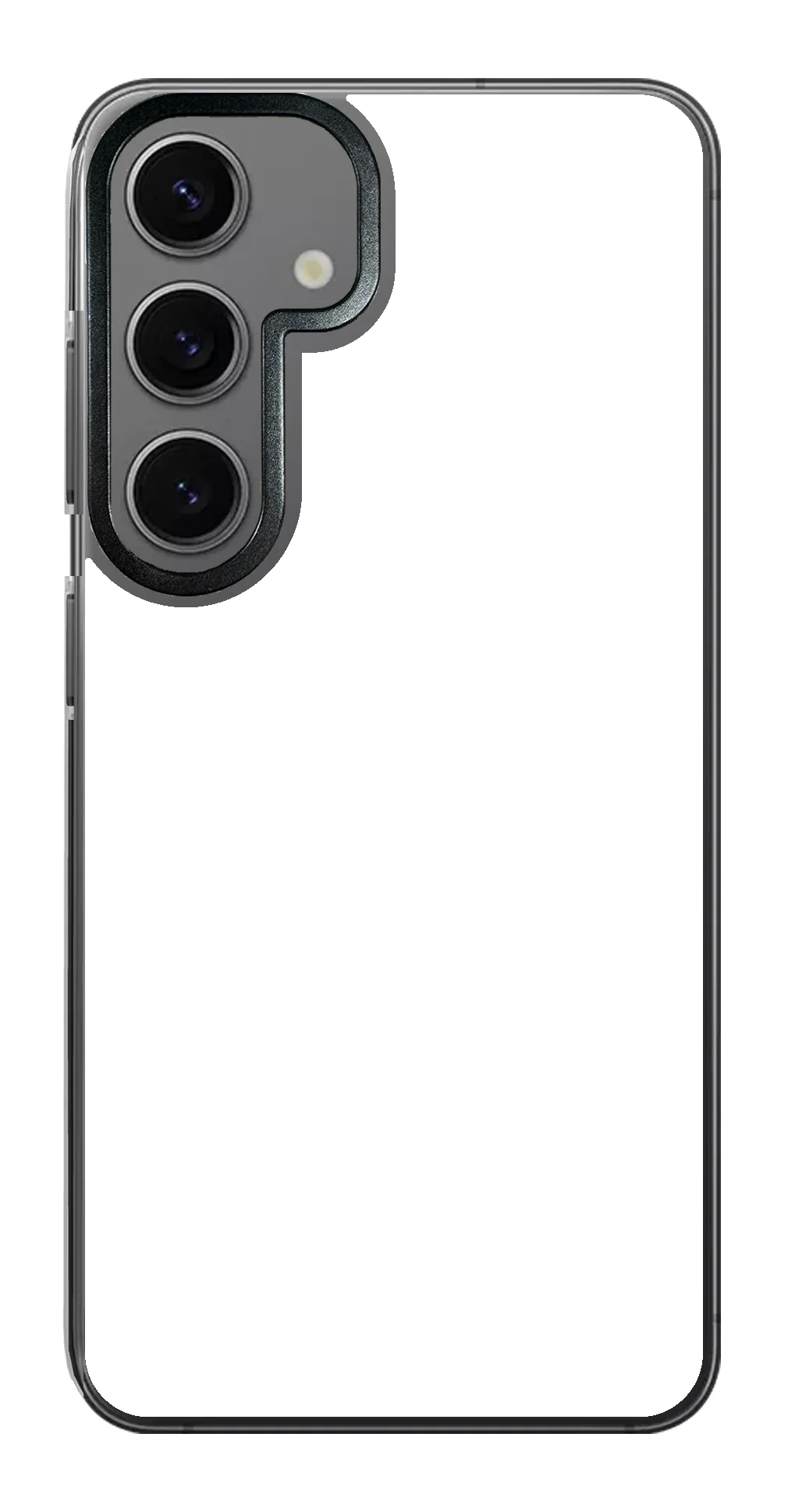
Design with confidence
Turn a portrait, pet photo or travel memory into a custom photo phone case. Choose the exact model, arrange your image and preview it before ordering.
The editor starts with the proportions and camera area for your phone.
Move, crop and resize photos and text independently.
Review the full case composition before adding it to your cart.
Choose the exact phone model, open the editor, upload your image and adjust the layout. Review the live preview before adding it to your cart.
Yes. Photos and text are separate editable layers, so you can position, resize and style them independently.
Yes. Upload directly on mobile, or use the desktop editor and scan its QR upload option to send photos from your phone.